


In the high-speed digital landscape of January 2026, the travel industry has become saturated with “premium” subscription services. From AI-driven itinerary builders that cost fifteen dollars a month to “pro” navigation apps with hidden fees, it often feels as though you need a dedicated budget just to plan your budget. However, there is a secret that veteran travelers and “professional nomads” have known for years: the most robust, flexible, and reliable tools for planning a complex international journey are entirely free.
- Phase 1: The Geographic Brain (Google My Maps)
- Phase 2: The Logistics Engine (TripIt Free)
- Phase 3: The “Truth” Search (YouTube & Reddit)
- Phase 4: The Financial Blueprint (Google Sheets)
- Phase 5: The “Digital Survival Kit” (Offline Apps)
- Bringing It All Together: The “Night Before” Practice
- The Philosophy of Free Planning
By the time you reach 2026, the “Big Three” platforms—Google, Notion, and specialized community forums—have evolved to a point where they offer more power than almost any paid competitor. The trick is not in the software itself, but in the system of how you connect them. Today, I am going to walk you through my exact, zero-dollar workflow for planning a trip from the initial “dreaming” phase to the moment you step off the plane. We are going to build a visual map, a chronological itinerary, a foolproof budget, and a localized safety kit using nothing but the tools you already have on your phone and laptop.

Phase 1: The Geographic Brain (Google My Maps)
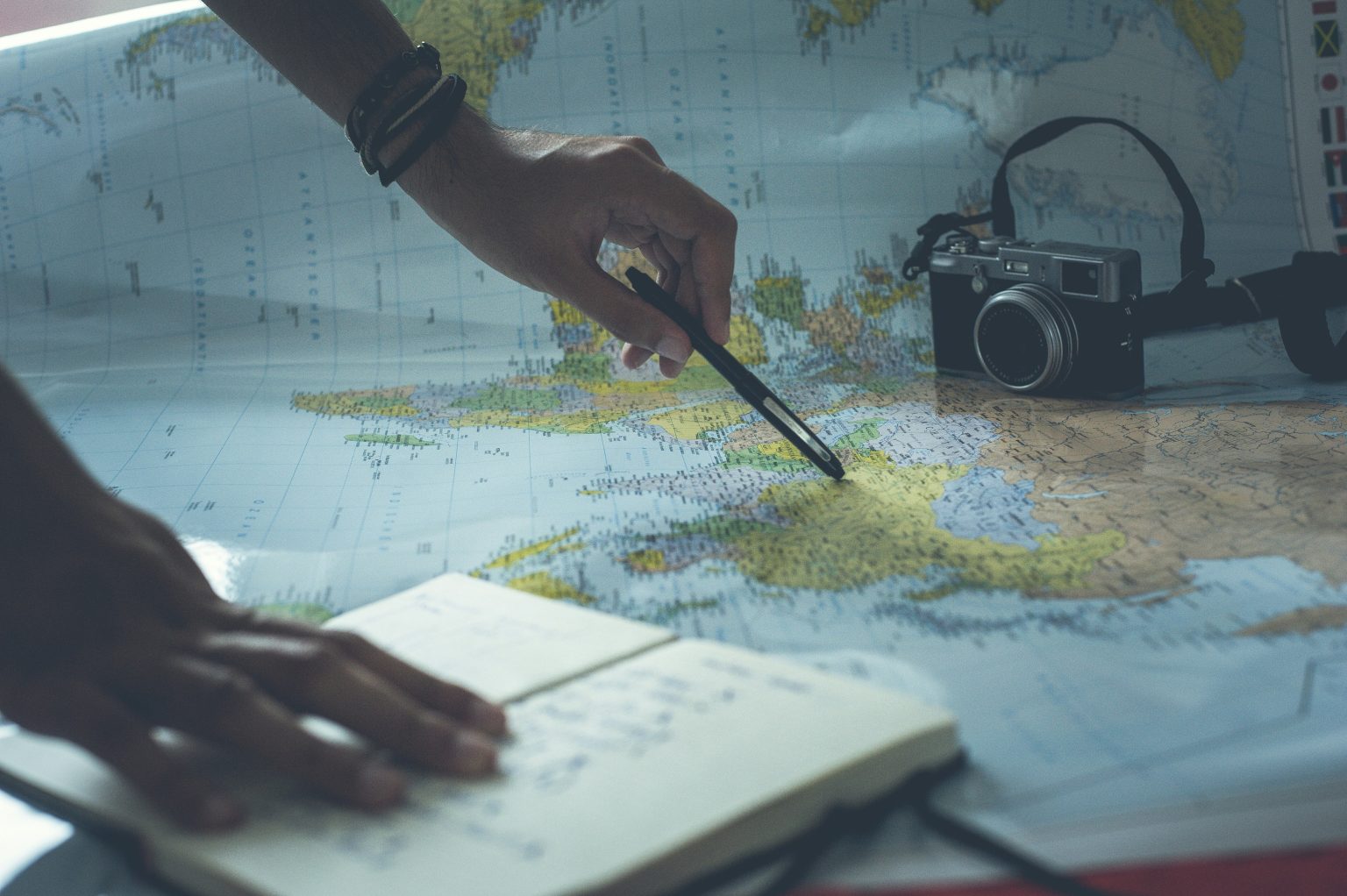
Most people use Google Maps for day-to-day navigation, but they overlook the most powerful feature for travelers: Google My Maps. This is a separate, desktop-based platform that allows you to create custom, multi-layered maps. As of 2026, this is still the undisputed champion for visualizing the “logic” of a trip.
Setting Up Your Layers
The biggest mistake travelers make is putting every pin on one map. This creates a “sea of red” that is impossible to navigate. Instead, I use a four-layer system based on priority and function:
- The Logistics Layer (Blue Icons): This includes your arrival airport, the main train stations, and your primary accommodation. By seeing where you “live” in relation to everything else, you can immediately identify if your hotel is actually in a convenient location.
- The “Non-Negotiables” (Yellow Star Icons): These are the three or four sites that are the reason you are taking the trip. If you are in Paris, this might be the Louvre and a specific jazz club. If you are in Tokyo, it might be the TeamLab Borderless exhibit and a specific ramen shop in Shinjuku.
- The “Clusters” (Purple Circle Icons): These are secondary points of interest. As you drop these pins, you will notice clusters naturally forming. One cluster might be in the historic center, while another is across the river. These clusters will eventually become your “Day 1,” “Day 2,” and “Day 3.”
- The “Emergency & Utility” Layer (Grey Cross Icons): I always pin the nearest 24-hour pharmacy, a local hospital, and a laundromat. You hope you never need them, but when your phone is at 5 percent and you are looking for an English-speaking doctor, having a pre-saved pin is a life-saver.
Why This Beats Paid Apps
Paid itinerary apps often try to “auto-generate” your route. In early 2026, these AI algorithms still struggle with the nuance of local traffic or the “vibe” of a walk. By manually pinning your locations on My Maps, you develop a spatial awareness of the city. You start to realize that the museum you wanted to visit is actually a forty-minute walk from the park you liked. This “mental map” is what prevents the exhaustion of over-scheduling.
Phase 2: The Logistics Engine (TripIt Free)
Once your geography is set, you need to organize the “when.” For this, I rely on the free version of TripIt. While there is a “Pro” version that offers real-time flight alerts, the free version is the only tool you need for master organization.
The Power of the “Scrape”
The beauty of TripIt in 2026 is its “Plans” email address. You never have to manually type in a flight number or a hotel address. Every time you receive a confirmation email—whether it is for a flight, a car rental, a restaurant reservation, or an Airbnb—you simply forward it to plans@tripit.com.
The app uses high-level parsing to extract the dates, times, and confirmation codes, and it builds a clean, chronological timeline. If your flight arrives at 10:00 AM and your hotel check-in is at 3:00 PM, TripIt will show that five-hour gap. You can then look at your Google My Map and decide which “cluster” of activities fits into that window.
Offline Reliability
A common 2026 travel nightmare is landing in a foreign country, having your eSIM fail, and being unable to access your emails. TripIt automatically caches your itinerary. This means that even in Airplane Mode, you can pull up your hotel’s address and phone number for the immigration officer or the taxi driver. It is a digital safety net that costs zero dollars.

Phase 3: The “Truth” Search (YouTube & Reddit)
In early 2026, traditional Google Search results for travel are often dominated by “Top 10” lists that are essentially advertisements. To find out what a place is actually like, I use two free platforms that offer raw, unedited reality.
The YouTube “Vibe Check”
I search for “[City Name] 4K Walking Tour.” These videos, often an hour long with no music or narration, are the best free research tool available. They show you the state of the sidewalks, the density of the crowds, and the general atmosphere of a neighborhood. If you are a woman traveling solo in 2026, watching a walking tour of a neighborhood at night will give you more “safety data” than any government travel advisory.
The Reddit “Logic Check”
I go to r/travel or the specific subreddit for the country (e.g., r/JapanTravel). I search for “scams 2026” or “overrated 2026.” The hive mind of Reddit is incredibly fast at identifying tourist traps that have gone downhill or hidden gems that are currently under-visited. If a museum has been closed for renovation or a popular hiking trail is washed out, Reddit will know about it weeks before the official tourism boards update their websites.

Phase 4: The Financial Blueprint (Google Sheets)
I avoid “budgeting apps” because they are often too rigid. A simple Google Sheet is the ultimate free tool for financial planning because it allows you to account for the “invisible costs” of 2026 travel.
The “Hidden Cost” Column
In your spreadsheet, create columns for the following:
- The Base Cost: Your flight and hotel.
- The “Daily Survival” Cost: Food, local transit, and coffee.
- The “2026 Fees”: Many cities have introduced “tourist taxes” or “eco-fees” as of early 2026. For example, Venice and portions of the US National Parks now have entry fees that must be paid in advance.
- The “Buffer”: I always add a 15 percent “Chaos Factor” to every budget. This covers the lost umbrella, the overpriced airport taxi, or the sudden urge to buy a high-quality souvenir.
By using a spreadsheet, you can play with “What If” scenarios. What if you stay in a slightly cheaper hotel? How much more can you spend on a Michelin-starred dinner? This level of control is something a pre-formatted app can never provide.
Phase 5: The “Digital Survival Kit” (Offline Apps)
Finally, your planning is only as good as your ability to execute it when things go wrong. I use three specific free apps to ensure I am never “lost” in 2026.
- Google Translate (Offline Mode): I download the entire language file for my destination. In 2026, the “Instant Camera” feature is so advanced that you can read a physical menu or a train station sign in real-time without a data connection.
- XE Currency (Offline Mode): I “pulse” the app on WiFi before I leave the hotel to get the latest exchange rates. When I am at a market later that day, the app will work offline to tell me exactly how much that leather jacket costs in my home currency.
- What3Words: This is a free safety app that has divided the entire world into three-meter squares. If you are in a remote area and need to call for help or meet a friend, you can give them three simple words (e.g.,
filled.count.soap) and they can find your exact location without needing a complex street address.

Bringing It All Together: The “Night Before” Practice
On the night before I depart, I perform a “sync” that takes about ten minutes and ensures my zero-dollar system is ready for the real world:
- Step 1: I open my Google My Map on my phone and select “Available Offline.”
- Step 2: I open TripIt and ensure the “Sync” icon is green.
- Step 3: I take a screenshot of my “Logistics” layer on the map and my first two days of the TripIt itinerary. I save these to a “Favorites” album in my photos. Even if my phone is at 1 percent battery, I can find a photo faster than I can load an app.
- Step 4: I send a “View Only” link of my Google Sheet and my Google My Map to a trusted friend or family member. This serves as my emergency contact “breadcrumb trail.”
The Philosophy of Free Planning
The reason this system works so well in 2026 is that it prioritizes data ownership. When you use a “fancy” travel app, your data is often locked inside their ecosystem. If that company goes bankrupt or their servers go down, your trip plan is gone. By using Google, Notion, and TripIt, you are using the “infrastructure” of the internet. These tools are built to be resilient, they are built to work together, and most importantly, they are built to be accessible to everyone, regardless of their budget.
Travel in your thirties is about the “Joy of Missing Out” and the search for depth. By spending zero dollars on your software, you are freeing up that capital for a better meal, a more comfortable train seat, or a longer stay in a place you love. You are not just planning a trip; you are mastering the art of the “intentional journey.”

