




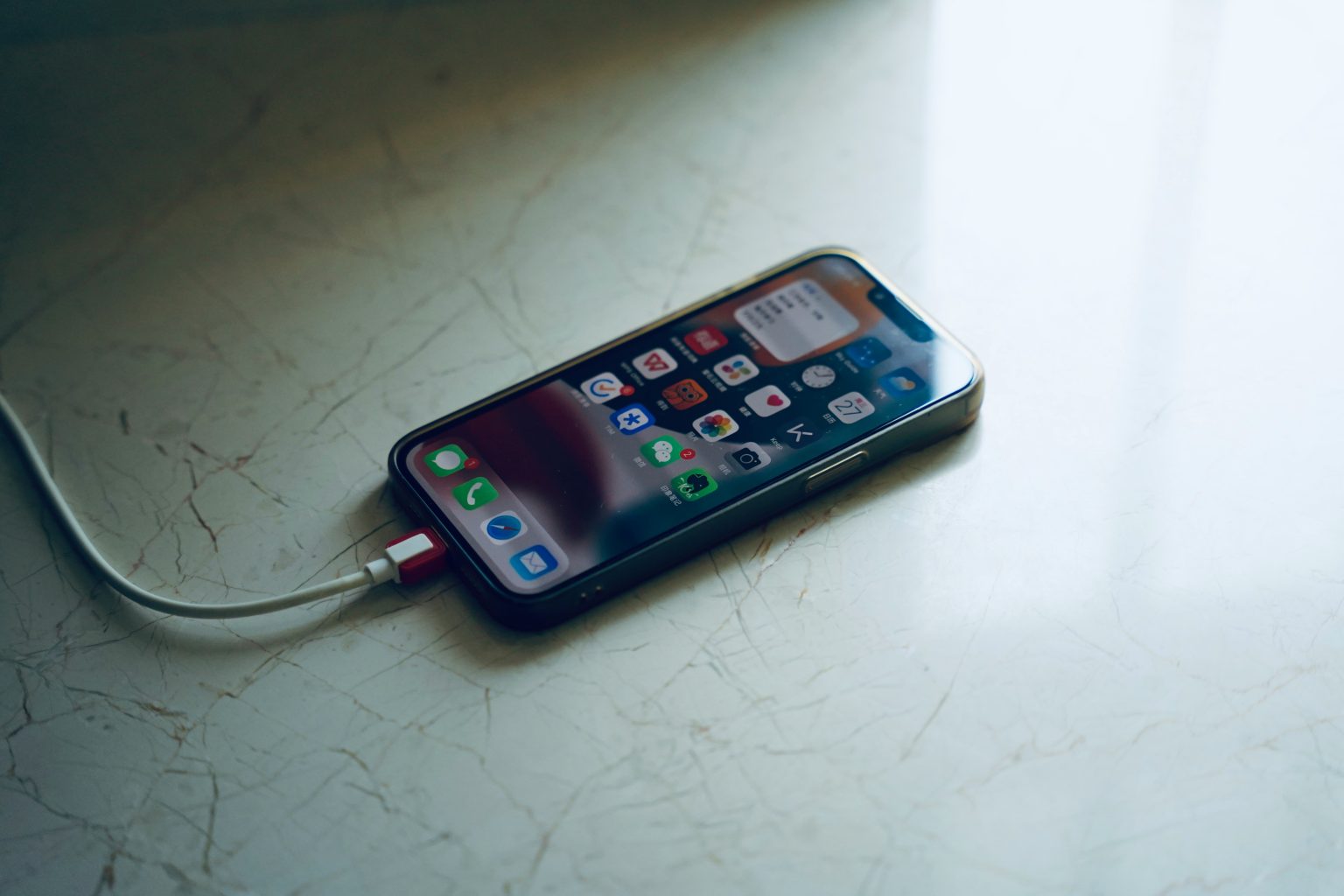
It is January 5, 2026, and despite the incredible advancements in battery technology over the last few years, the “dead phone panic” remains a universal experience for travelers. You are in a winding alleyway in Tokyo or perhaps a remote village in the Swiss Alps, and you see that dreaded red sliver on your screen: 4 percent. Your digital tether to the world is about to vanish, and with it, your maps, your translator, and your hotel confirmation.
- 1. Navigation Without the Data Drain
- 2. Breaking the Language Barrier Offline
- 3. The Master Itinerary: TripIt
- 4. The “Dead Phone” Survival Kit
- 5. Maximizing Your Remaining Percentages
- 6. Entertainment That Doesn’t Drain Your Soul (or Battery)
- 7. The Pre-Trip Download Checklist
- 8. The Analog Backup: Yes, Print Still Matters
- Final Thoughts for the 2026 Traveler
In 2026, we rely on cloud based AI more than ever, but the savvy traveler knows that the cloud is only as good as your connection and your battery life. True travel security comes from “localizing” your data. By downloading the right tools before you leave your hotel WiFi, you can navigate, communicate, and stay safe even when your phone is in Airplane Mode or on the verge of total shutdown.

1. Navigation Without the Data Drain
Navigation is the heaviest drain on your battery because it requires constant GPS pinging and data rendering. In 2026, the gold standard for offline navigation has shifted toward open source data that provides more detail than standard satellite maps.
Maps.me and Organic Maps
While Google Maps is excellent for offline areas, Maps.me and its privacy focused sibling Organic Maps are superior for the “dying phone” scenario. They utilize OpenStreetMap data, which is highly compressed. You can download the map of an entire country like Portugal or Japan, and it will occupy less space than a few high resolution photos. These maps include incredible detail for footpaths, hidden staircases, and even individual water fountains, which can be life saving when you are lost on foot.
HERE WeGo
For those renting cars in early 2026, HERE WeGo remains an essential backup. It allows you to download massive geographical regions for full turn by turn voice navigation without using any cellular data. Unlike other apps, its offline search function is remarkably robust, allowing you to find “pharmacies” or “gas stations” even when you are completely disconnected from the network.
2. Breaking the Language Barrier Offline
The ability to communicate is a safety requirement, not just a convenience. If your phone is about to die, you do not have the battery “budget” to wait for a cloud based AI to process a voice translation.
Google Translate
The “Instant Camera Translation” and “Conversation Mode” in Google Translate are iconic, but they are useless without their respective Offline Language Packs. Before you step off the plane, you should download the pack for your destination. In 2026, these packs have become much smaller and more accurate thanks to on device neural processing. Having a 50 megabyte file on your phone allows you to point your camera at a cryptic street sign or a menu and get an immediate answer without sending a single byte of data to a server.
DeepL
For the “Professional Nomad” or the traveler who needs high precision, DeepL has introduced enhanced offline capabilities in its 2026 mobile update. While it covers fewer languages than Google, its ability to understand nuance and formal versus informal tones is unmatched. If you need to explain a complex medical condition or a dietary restriction to a chef, DeepL is the tool you want cached on your device.

3. The Master Itinerary: TripIt
One of the most common travel blunders is being unable to access your hotel address or booking reference because it is buried in an email that won’t load. TripIt solves this by creating a master timeline of your trip.
When you forward your confirmation emails to the app, it parses the data into a clean, chronological list. The brilliance of TripIt is its Automatic Caching. Once you open the app while connected to WiFi, it stores every detail of your flights, hotels, and car rentals locally. If your phone is at 2 percent and you are standing in front of a hotel reception desk, you can pull up your confirmation number instantly without needing a signal.
4. The “Dead Phone” Survival Kit
If your battery is truly failing, you need apps that prioritize information density over visual flair.
| App Name | Primary Offline Function | Why You Need It in 2026 |
|---|---|---|
| What3Words | Emergency Location | Converts your GPS coordinates into three simple words that work without data. |
| First Aid (Red Cross) | Medical Guidance | Provides step by step instructions for emergencies like heatstroke or fractures. |
| XE Currency | Financial Clarity | Caches the latest exchange rates so you don’t get cheated at a local market. |
| Flush | Practical Necessity | A global database of public toilets that works completely offline. |
What3Words: The Safety Essential
In 2026, emergency services in over 50 countries have integrated What3Words. If you are injured on a hiking trail or your car breaks down on a desolate road, you can open the app and see three words that represent your exact three meter square on the planet. Because this is based on a fixed grid system, it works without a data connection. You can relay these words via a standard SMS or a voice call, which uses significantly less battery than trying to share a “Live Location” on a map.
5. Maximizing Your Remaining Percentages
When you see your phone hit that final 10 percent, your goal is to transform it into a “dumb phone” to preserve the remaining power for the apps listed above.
Activate Extreme Power Saving: In 2026, most flagship phones have a mode that turns the screen black and white and limits you to only four or five essential apps. Select your Offline Map, TripIt, and your Phone app.
The Gray Scale Trick: Even if you don’t have a specific power saving mode, manually switching your display to “Gray scale” in accessibility settings can save significant power on OLED screens.
Airplane Mode is Your Friend: The biggest battery killer is your phone searching for a weak cellular signal. Keep it in Airplane Mode and only “pulse” your location when absolutely necessary.
Screenshots are Backups: Before the screen goes dark, take a screenshot of your offline map with your current location pinned. A static image uses zero processing power to view compared to a live map app.

6. Entertainment That Doesn’t Drain Your Soul (or Battery)
Long flights, train rides, and unexpected delays are inevitable. But streaming services are battery vampires, and downloading massive video files eats up storage. Here’s how to stay entertained offline without killing your phone.
Kindle and Audiobook Apps
E-readers use almost no battery compared to video apps. Download a few books or audiobooks before your trip. Libby, which connects to your local library, allows you to borrow audiobooks and e-books for free and listen completely offline. A single audiobook can entertain you through an entire intercontinental flight while using less battery than 30 minutes of Netflix.
Spotify and Apple Music Offline Playlists
Create dedicated travel playlists and download them while on WiFi. Music uses a fraction of the power that video does, and having a soundtrack for your journey can transform a stressful moment into a cinematic one. Pro tip: download a few podcasts about your destination to get you excited during transit.
Offline Podcast Apps
Pocket Casts and Overcast allow you to download episodes in advance. Choose podcasts that match your travel vibe: true crime for solo train rides, comedy for long waits, or language learning pods to prep for your destination.
7. The Pre-Trip Download Checklist
Here’s the checklist I run through the night before every trip, while I’m still connected to reliable WiFi:
- Download offline maps for every city and region I’m visiting
- Cache all hotel, flight, and activity confirmations in TripIt
- Download language packs for Google Translate
- Screenshot important addresses, emergency contacts, and passport/visa info
- Download 2-3 audiobooks or podcasts
- Create and download a travel playlist
- Update What3Words and test that it’s working
- Check that XE Currency has the latest exchange rates cached
- Save a copy of my travel insurance policy as a PDF in my files app
This ritual takes about 20 minutes but has saved me countless times when WiFi is nonexistent or prohibitively expensive.

8. The Analog Backup: Yes, Print Still Matters
I know it sounds archaic, but hear me out. In 2026, a single printed sheet of paper with your essential information can be a lifesaver when your phone finally gives up.
Print or write down:
- Your hotel address in the local language
- Emergency contact numbers (embassy, travel insurance, credit card companies)
- Your airline confirmation codes
- Any medical information or allergies translated into the local language
Keep this folded in your passport. When your phone is dead and you need to show a taxi driver where you’re going, that piece of paper becomes priceless.
Final Thoughts for the 2026 Traveler
We are more connected than any generation in history, but that connectivity is fragile. The transition from your twenties to your thirties often comes with the realization that “preparedness” is the ultimate luxury. It allows you to stay calm when the technology fails.
By taking twenty minutes to download these offline essentials before you leave your home or hotel, you are not just saving battery: you are saving your peace of mind. In the high stakes environment of international travel, a phone at 1 percent with the right offline data is more valuable than a phone at 100 percent with no connection.
The best travelers I know aren’t the ones with the fanciest gear or the biggest data plans. They’re the ones who understand that true freedom comes from being prepared for the moment when everything goes offline. Download smart. Travel smarter.

